Headshots
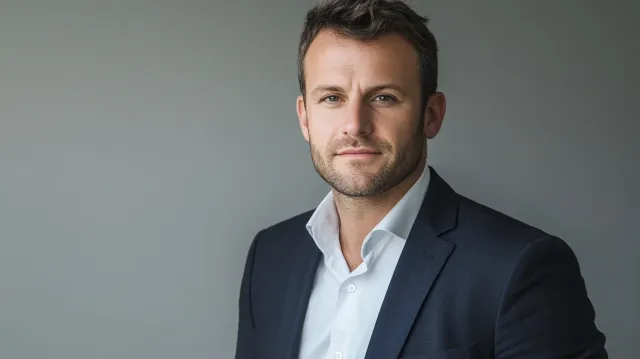
How Your Headshot Affects Your Job Search
Recruiters and hiring managers form impressions from LinkedIn photos in well under a second.
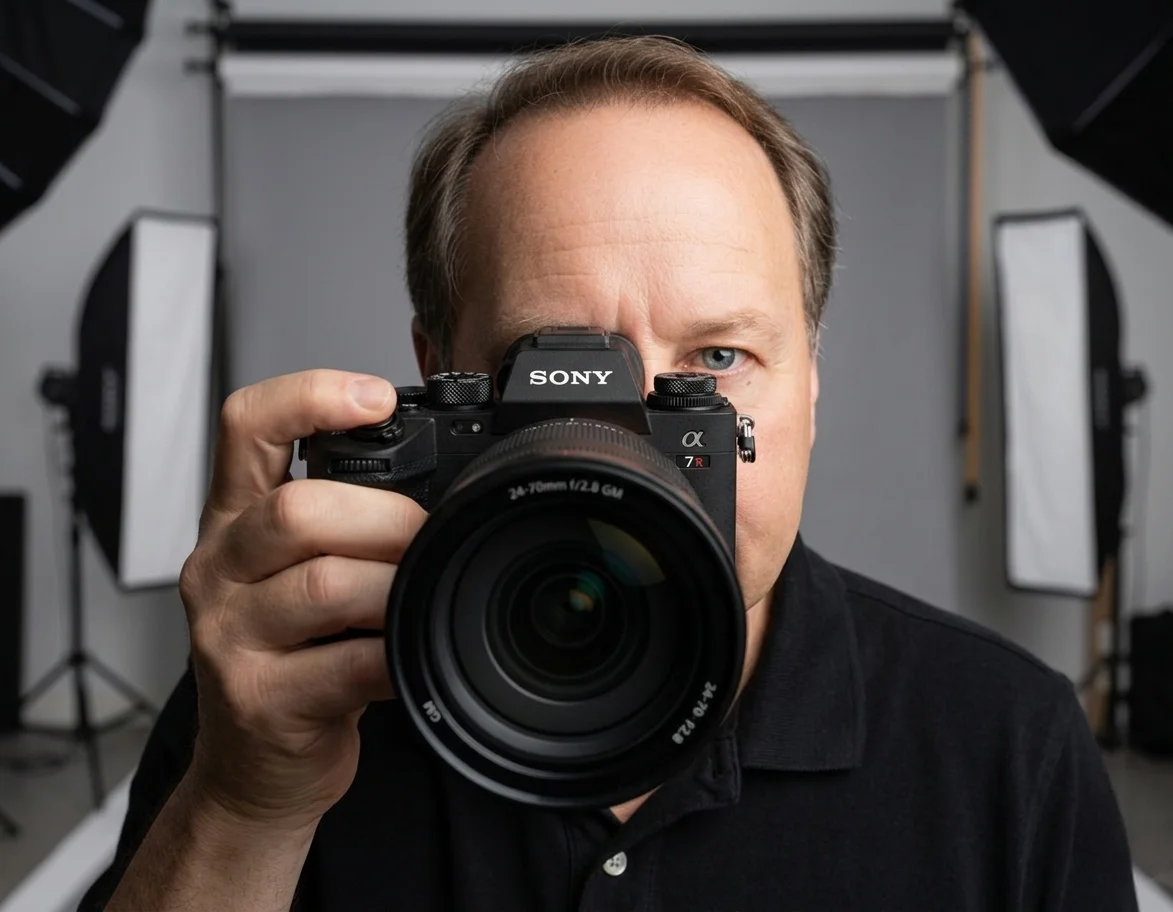
Chris McCarthy
Professional Photographer, Photography Shark · April 27, 2026
The role of the LinkedIn profile photograph in modern job search has shifted significantly over the past decade. What used to be an optional addition is now a core element of how recruiters and hiring managers evaluate candidates — often before they read a word of the bio or scan a single line of experience.
I'm Chris McCarthy. My studio is at 83 E Water Street in Rockland, about 30 minutes south of Boston. I shoot LinkedIn and professional headshots for candidates at every level — early-career professionals updating before their first serious job search, mid-career professionals positioning for next moves, executives and senior leaders refreshing assets before a board search or transition. What I see consistently is that the photograph is doing more work in the search process than candidates realize.
This is what's actually happening on the recruiter side, and what to do about it.
How Recruiters Actually Work
The mental model most candidates have of recruitment — that the recruiter reads the resume carefully and makes a thoughtful evaluation — is not how the early stages of search work in practice. The early stages are speed-driven scans of large candidate pools, often with hundreds of profiles to review for a single role.
A typical recruiter workflow on LinkedIn:
- Run a search with role-specific keywords and filters (location, experience, skills)
- Scan the results page — name, headline, photograph, current title — for keep/pass decisions
- Open profiles that pass the initial scan for a longer review
- Send InMail to candidates who pass the deeper review
- Track who responds, schedule phone screens for those who do
The first step is where the photograph does its work. The recruiter is processing the profile thumbnail in roughly the time it takes to scroll past it — 100 to 200 milliseconds — and making a binary decision: open this profile, or scroll on. The photograph is one of three or four signals contributing to that decision (along with the headline, current title, and sometimes the location).
This isn't superficial in the dismissive sense. It's how high-volume cognitive evaluation works under time pressure. The recruiter doesn't have time to give every profile a careful read; they have to triage. The photograph is part of the triage.
What LinkedIn Has Published About Photo Impact
LinkedIn has published several pieces of internal data about photographs and profile performance, and the numbers are consistent across different cuts of the data:
- Profiles with professional photos receive significantly more views than profiles without photos.
- Connection request acceptance rates are meaningfully higher for profiles with photos versus those without.
- InMail response rates are higher for profiles with professional photos.
- Profile completion (with all elements including photo) correlates with higher candidate-quality assessments by recruiters in LinkedIn's own surveys.
The exact magnitudes vary by cut and by year, but the directional finding is robust: a professional photograph drives meaningful improvements in profile performance and recruiter engagement.
What "professional" means here matters. The data does not just compare "any photo" to "no photo." It compares photos that look professionally produced — controlled lighting, appropriate framing, business-appropriate wardrobe, current — to photos that look casual, dated, or off-genre. The lift is largest in the comparison between a strong professional photograph and a personal photograph repurposed for LinkedIn.
Specific Signals Recruiters Process in 200 Milliseconds
When a recruiter scans a profile thumbnail, they're processing a small set of signals very quickly:
"Is this a real, active professional?" A current professional photograph is the dominant signal that the profile is real, the candidate is taking their professional presence seriously, and the LinkedIn profile is being maintained. A missing photograph or a photograph that looks ten years old reads as the opposite — possibly an abandoned or dormant profile, possibly a candidate who isn't actively engaged in their career. The job application photo guide covers the specific dimensions, wardrobe conventions, and format requirements by industry for candidates who need a photo across multiple application contexts beyond LinkedIn.
"Does this photograph match the role I'm filling?" Recruiters are filling specific roles in specific industries, and the photograph contributes to a quick evaluation of fit. A photograph that reads as polished, professional, and aligned with the visual conventions of the target industry passes this signal. A photograph that reads as too casual, too theatrical, or stylistically off matches less well.
"Does this person look like someone hiring managers will say yes to?" The recruiter's job depends on placing candidates with hiring managers. They're evaluating candidate-side signals (the photograph included) for whether the candidate will pass downstream evaluations. A photograph that reads as composed and credible improves the recruiter's confidence in moving the candidate forward.
These evaluations happen below the conscious-articulation threshold. The recruiter doesn't think "this photograph reads as polished and professional" — they just keep scrolling past one and open the next. The pattern repeats across hundreds of profiles per day.
The Compounding Effect Across a Job Search
Most candidates think about the headshot in terms of a single decision — "does my photograph look professional?" The actual impact is compounding across every interaction the photograph appears in over the course of a job search.
A candidate active in their search is appearing in:
- Recruiter searches for the candidate's target roles
- Hiring manager reviews of recruiter-forwarded shortlists
- Internal references where colleagues introduce the candidate to others
- Network outreach where the candidate sends connection requests and InMails
- Executive search work for senior candidates
- Conference and event lists where the candidate's profile appears alongside others
The photograph is doing work in every one of these contexts. A weak photograph creates friction at every interaction; a strong photograph supports every interaction. Across a multi-month job search with dozens or hundreds of touch points, the cumulative impact is substantial.
This is part of why candidates who refresh their photograph at the start of a serious search — not after the search has stalled, but at the beginning — typically see better outcomes than candidates who treat the photograph as an afterthought. The photograph is in the loop early and influences every downstream interaction.
What Actually Works in a LinkedIn Photograph
The conventions for a strong LinkedIn photograph are well-established and not particularly controversial:
- Tight crop. LinkedIn renders profile photographs as small circles at thumbnail size and roughly 200x200 pixels at typical viewing sizes. A tight crop (head and upper shoulders) reads better than a wider crop where the face becomes small. The comprehensive LinkedIn profile photo guide covers the exact pixel dimensions at every display context and how to optimize after upload.
- Eye contact. Eyes looking directly at the camera, not glancing away or down.
- Calm, present expression. A small genuine smile or composed neutral. Avoid wide grins (read as inauthentic at thumbnail) and avoid serious frowns (read as unfriendly).
- Clean, neutral background. White, off-white, light gray, or charcoal. Avoid distracting environments, busy patterns, or environmental shots that compete with the face.
- Professional wardrobe. Industry-appropriate. For most corporate roles: blazer over collared shirt or simple top. For creative or tech roles: a slightly less formal option can work but should still read as intentional. The wardrobe planning guide for Boston headshots has a section on calibrating formality to your target industry.
- Current. Within 2 to 3 years; ideally within 12 months for active job searches where the photograph might be compared to in-person interview presence.
For a visual reference of what these conventions look like across industries -- executive, legal, healthcare, actor, and more -- see real headshot examples with technical notes.
Calibration by Career Stage
Early-career (0-5 years). The photograph supports a "credible professional, take this candidate seriously" read. Slightly warmer pitch is fine; the photograph doesn't need to feel senior or weighty.
Mid-career (6-15 years). Calibrated for competence and presence. The photograph should look like someone in their professional prime — composed, settled, confident. Wardrobe and lighting both support this.
Senior (15+ years, leadership roles). Calibrated for executive presence. Slightly more directional lighting, camera at or marginally below eye level, composed expression. The photograph should suggest someone who has been operating at a senior level and brings that experience to the role.
Executive/board. Calibrated for gravitas. Conservative wardrobe, controlled lighting, expression that suggests strategic depth. This level of photograph works hardest at the small thumbnail sizes where executive-recruiter scanning happens.
Where Active Job Searches Originate
Recruiter-pipeline candidates running active searches tend to cluster in the Boston-commuter belt. Sessions out of Hingham skew finance and biotech; Cohasset skews law and consulting; Quincy brings a broad cross-section of mid-career professionals. Out further, Duxbury and Sharon tend toward private-wealth and specialized professional roles. The thread connecting all of them: people who moved out of the city for the school district and now want job options that don't require relocating again.
Book Your Session
Contact me with your timeline and what kind of role you're targeting. Standard sessions are $395 for 30 minutes with 10 retouched images — full Boston headshot pricing on the investment page. Rush turnaround is available for active job searches.
For LinkedIn-specific session structure: LinkedIn Headshots Boston and LinkedIn Headshots South Shore are the dedicated service pages covering session calibration for the platform. The Boston Headshots page covers session details broadly. For executive-level work: Executive Headshots Boston and Executive Headshots South Shore cover senior-leader calibration.
Frequently Asked Questions
Do recruiters actually look at the photo before reading the profile?
Yes — and the published research is consistent on this. LinkedIn's own data shows profiles with professional headshots receive substantially more profile views and significantly higher InMail response rates than profiles without one. Recruiters scanning candidate lists make rapid keep/pass decisions on hundreds of profiles per session, and the photograph is one of the first signals they process. A weak photograph means fewer profile views, fewer InMails, and fewer call invitations.
What's the worst kind of LinkedIn photo for a job search?
A vacation photo, a wedding photo, or any image that looks personal rather than professional. The second-worst is no photo — LinkedIn signals to recruiters that profiles without photos are likely abandoned or unserious. Third-worst is an outdated photo that obviously doesn't match who would walk into an interview today; this creates a credibility gap that recruiters notice immediately.
Should the LinkedIn photo match how I look in interviews?
Within reason, yes. Recruiters are looking at the photograph and the LinkedIn profile to decide whether to invest time in a phone screen. If the photograph looks dramatically different from how you'll look in an interview — significantly older or younger, very different hair, very different style — the discrepancy can read as a credibility issue. The photograph should be current within 2 to 3 years and represent the version of yourself you'll show up as professionally.
Does the photo matter as much for senior roles?
Yes, possibly more. Senior candidates are often evaluated on executive presence, and the photograph carries some of that signal before any conversation happens. Recruiters working senior searches make initial keep/pass decisions on candidates whose photographs read as polished and professional versus those whose photographs read as casual or off-genre. A strong headshot doesn't guarantee a senior role, but a weak one creates friction that compounds across every search the candidate is in.
What about industries where the photo seems less important?
Even in industries where the role itself doesn't depend on appearance — engineering, software, research — the LinkedIn photograph still influences recruiter behavior. Recruiters work fast, the photograph is part of the rapid evaluation, and the candidates whose profiles look professional get more outreach. The signal works at a different level than 'do you look good' — it works at the level of 'is this a serious professional who is actively job-searching.'
How should I update my headshot before a job search?
Refresh the photograph 4 to 6 weeks before you start active outreach. That gives time for a session, gallery delivery, and uploading the new image to LinkedIn and other professional platforms. Sessions at the studio are 30 minutes with 10 retouched images delivered in 3 to 5 business days. For job-search urgency, rush turnaround is available.
Related Posts
Headshots
Dance Headshot Examples: Four Frames Broken Down
Headshots
How to Prepare for Pageant Headshots: A Complete Prep Guide
Headshots
ERAS Photo Guide: The Residency Application Headshot, Explained

Headshots
Headshot Poses for Women: A Practical Guide

Headshots
Average Professional Headshot Cost by City: 2026 Data Study
Headshots
Headshot Mini Sessions vs. Full Sessions: Why I Don't Cut It Short
You Might Also Like
About the Author
Chris McCarthy
Chris McCarthy has run Photography Shark Studios in Rockland, MA for over 10 years and 500+ sessions, with executive headshot work for Rockland Trust, Clean Harbors, M&T Bank, and McCarthy Planning; founder portraits for AI startups including Lowtouch.ai; product photography for South Shore brands like Lauren's Swim; and headshots across South Shore legal, medical, financial, and academic practices. Every session is personally shot and edited by Chris on Sony mirrorless and Godox strobe systems — no assistants, no outsourcing, no batch retouching. Galleries deliver in 3–5 business days. About Photography Shark →
Photography Shark · Boston & South Shore MA
Ready to Book a Session?
Professional headshots, senior portraits, boudoir, and model portfolios. Studio in Rockland, MA — 25 miles south of Boston. Sessions from $395.