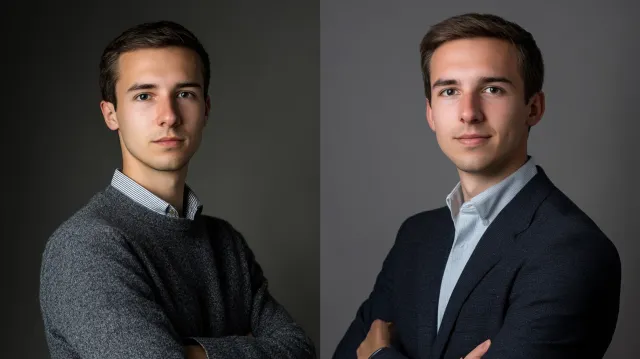
Headshots
DIY Headshots vs Professional: An Honest Comparison
When DIY headshots actually work, when they fail, and what you give up by shooting your own. Practical comparison from a Boston-area headshot studio.
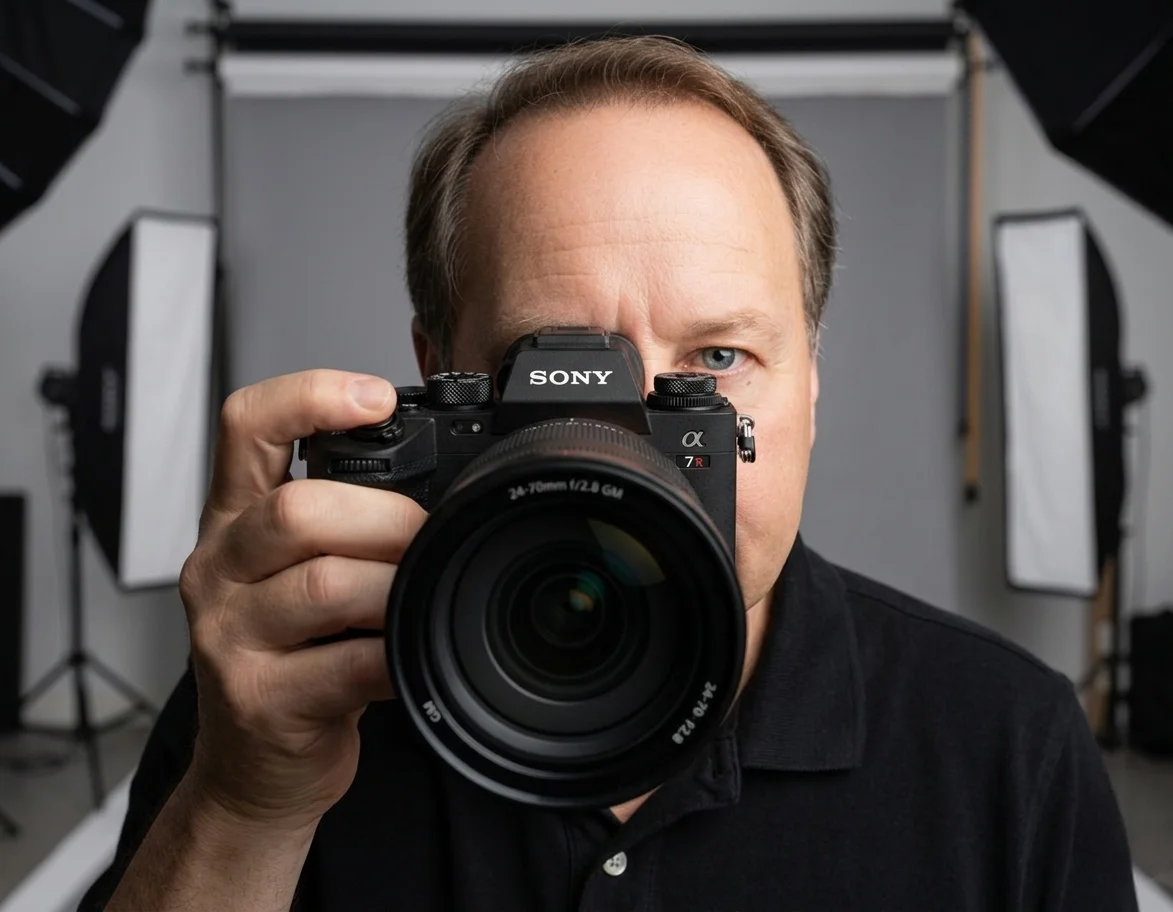
Chris McCarthy
Professional Photographer, Photography Shark · April 24, 2026
DIY headshots have become more viable in the last five years as phone cameras improved and photo editing apps got better. For some use cases, a well-executed DIY photograph genuinely can work. For most professional use cases, it cannot. This is an honest comparison from a working professional headshot studio — what DIY actually gets you, where it fails, and what you give up by shooting your own.
After more than a decade and 500-plus headshot sessions at my Rockland studio, the patterns are consistent.
When DIY Actually Works
A DIY headshot can produce a passable result if all of these are true:
- Good natural light. Large window with diffused (not direct) sunlight. Time of day that produces soft light (morning or late afternoon).
- Clean background. Solid wall, neutral color, no clutter.
- Phone with portrait-mode lens. Recent iPhone or Pixel; older phones struggle.
- Someone else holding the phone. Selfies fail because phone wide-angle lenses distort facial proportions at arm's length.
- Phone held at eye level, body length away. Approximating a 50mm to 85mm lens distance.
- Solid wardrobe, no busy patterns. Same wardrobe rules as professional sessions.
- Modest expectations. A LinkedIn thumbnail. Maybe a casual professional directory.
If all of those are true, you can produce something that reads as "competent professional" at thumbnail scale. It will not pass for a session at a real studio if compared side-by-side. But for low-stakes use cases, it can do the job.
When DIY Definitely Fails
The use cases where DIY produces visibly inadequate results:
Actor Casting Submissions
Casting platforms (Actors Access, Casting Networks, Backstage) and casting directors reject low-quality submissions. The expected standard is a professional actor headshot with theatrical and commercial looks, photographer attribution, and consistent file format. A DIY image fails at first-impression. The actor industry treats headshot quality as an indicator of professionalism — submitting a phone photo signals that the actor is not serious.
Corporate Team Directories
A team directory needs visual consistency across members. If three executives have professional headshots and one has a DIY phone photo, the inconsistency reads as unprofessional in aggregate. Most companies handle this by booking team headshots for the whole leadership group at once. Whether the shoot happens at the studio or on-location at your office, a coordinated corporate headshot session locks in identical lighting, framing, and crop so every photo on the team page matches.
Press Kits and Media
Press releases, author bios, and speaker programs need high-resolution images that reproduce at print size. Phone cameras produce pixel-density and color-accuracy issues at 8×10 print and larger. The subtle digital noise from phone sensors becomes obvious at print scale.
Anything Requiring Multiple Format Deliverables
Modern professional use cases often need 4–6 formats from the same shoot — square for podcast art, vertical for press, landscape for conference programs, headshot crop for LinkedIn, environmental for press kits. A single DIY phone photo can be cropped but not re-shot at different framings. A professional session captures all formats from the start.
Premium Professional Contexts
Lawyers, executives, finance professionals, and high-end consultants are evaluated partly on the polish of their professional materials. A DIY headshot in this context can read as "this person doesn't invest in their professional presence," which damages perceived seriousness.
The Specific Visible Differences
The technical signals that distinguish DIY from professional:
Lens Compression
Phones use wide-angle lenses (28mm equivalent on most). Wide angles distort facial proportions — they enlarge the nose, narrow the ears, and elongate the face when held close. Professional headshot photographers use 85mm or longer lenses, held further back, which compress facial features into more flattering proportions.
This is the #1 visible difference. People don't always know what they're seeing, but they perceive the wide-angle face as "off" without identifying why.
Lighting
Window light is soft and flattering but produces shadow on one side of the face. Professional sessions use a key light + fill light + sometimes a rim light to shape the face from multiple angles, eliminating harsh shadows while preserving dimension. This is the entire reason a dedicated studio headshot session produces results no DIY setup can match — the controlled multi-light environment shapes any face flatteringly. The result is even illumination that flatters every angle of the face, regardless of the subject's specific bone structure.
Retouching
DIY editing typically uses phone filters or apps like Facetune. These over-smooth skin (removing pores and texture, producing the "AI photo" plastic look), apply heavy color casts, and over-brighten eyes and teeth. Professional retouching addresses blemishes selectively, preserves skin texture, and corrects only what needs correction.
Framing Precision
DIY framing is usually eyeballed — close enough is close enough. Professional framing is deliberate: eyes positioned at a specific point in the frame (typically one-third from the top), head crop at a specific point above the hairline, body angle calibrated to add dimension without distortion. The cumulative effect is that the photograph "fits" the face in a way that looks intentional, even if you can't articulate why.
Background Control
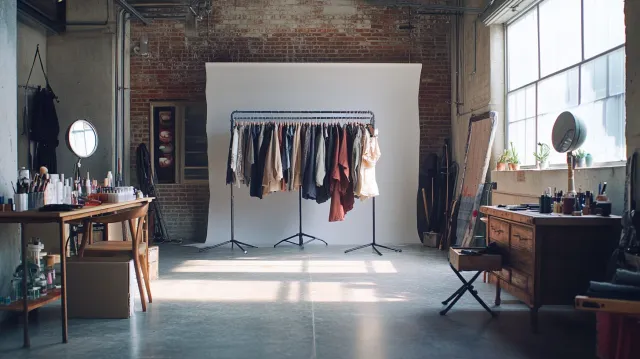
DIY shoots use whatever wall or background is available. Professional shoots use seamless backdrops in deliberate colors (white, gray, charcoal, navy) lit independently of the subject so the background tone is uniform and the subject is cleanly separated. The difference reads as "polished" vs "casual" at any size. The complete headshot background guide explains which backdrop colors suit which industries and why the choice matters more than most clients expect.
The Total Cost Comparison
The visible cost of DIY vs professional is the photographer's fee. The actual cost difference is more nuanced.
| Cost factor | DIY | Professional |
|---|---|---|
| Cash spent | $0 (already own phone) | $395 (Photography Shark studio session) |
| Time spent | 3–8 hours setup + shoot + edit | 30–60 min session, 0 prep beyond consultation |
| Tools | Phone, app subscription, tripod ($30–$150) | Included in session |
| Skill ramp | Significant — learning curve for lighting, retouching | Zero — photographer's expertise included |
| Iteration cost | Re-shooting if first attempt fails | Photographer adapts in real time |
| Image lifespan | 1–2 years before quality dates | 3–5 years before re-shoot recommended |
| Consistency | Variable across team members | Reproducible team-wide |
The cash-saving math doesn't account for time, ramp cost, lifespan difference, or the cost of redoing the session professionally when the DIY version doesn't work.
For specifics on what professional sessions actually cost in the Boston market, see headshot cost Boston. If you want the full breakdown of what different price tiers actually include — retouching, image count, licensing — the comprehensive Boston headshot pricing guide covers every line item.
When the Decision Is Genuinely Close
There are real edge cases where DIY makes sense:
- You need a placeholder while booking a professional session. Phone photo on LinkedIn for 2 weeks while waiting for a real session is fine.
- You're in a pre-revenue solo business with no client-facing photo needs yet. Casual professional directory entry can be a phone photo.
- You have professional photography skills already. Photographers shooting their own headshots is a different category — they have the tools and the expertise.
- The use case is genuinely casual. Internal Slack profile, casual social platform, personal blog. Professional-quality photo is over-investment.
When the decision is close, the question to ask is: who is going to see this photo, and what will they think of me based on it? If the answer is "people whose opinion matters to my career or business," the cost-benefit favors professional.
Hybrid Approaches
A few middle-ground options:
DIY Now, Professional Later
Use a DIY photo as a placeholder while you're scheduling a professional session. Most reasonable for a 1–4 week gap. Beyond that, the inconsistency damages perception more than the placeholder helps.
Professional Photo, DIY Updates
Get professional headshots done once every 2–3 years. In between, take phone photos in similar wardrobe and lighting for casual updates. Don't try to mix them in formal contexts (LinkedIn primary, corporate directory) — keep DIY updates for casual platforms.
Headshot Day at the Studio
Book a team headshots Boston session for your whole company at once. Per-person cost drops significantly when 5+ people are booked together. Solves the team-consistency problem at lower per-head cost than individual sessions.
What AI Headshot Tools Don't Solve
A note on the adjacent comparison: AI headshot tools (Aragon, HeadshotPro, etc.) are not the same as DIY. They're a third category with distinct trade-offs — the full breakdown of AI-generated headshots versus studio photography covers pricing, quality tells, and the 2026 tool landscape in detail. Briefly:
- AI headshots cost $25–$60 (cheaper than professional, more expensive than DIY).
- AI headshots produce passable thumbnails but increasingly recognizable patterns.
- AI headshots fail acting submissions and any context requiring photographer attribution.
- AI headshots produce identifiable "AI face" tells in subtle ways.
DIY and AI headshots both fail in similar professional contexts but for different reasons. Professional remains the standard for high-stakes use cases.
Practical Decision Framework
If you're trying to decide between DIY and professional, three questions:
- What is the highest-stakes use case for this photo? Optimize for the most demanding context. If you'll use it on LinkedIn AND submit it to casting, casting wins.
- Is the photo being seen by people who decide based on first impression? Casting directors, hiring managers, prospective clients. If yes, professional pays for itself.
- How long does this photo need to last? A 2–3 year lifespan justifies the investment. A 6-month placeholder might not.
When two or more answers point to "high stakes," professional is the right choice. When all three point to "low stakes," DIY can work.
Ready to Book?
Get in touch to schedule a professional session. Photography Shark is in Rockland, MA — 25 minutes south of Boston. Sessions start at $395 with 10 fully retouched images and full commercial use included.
Related reading: What is a headshot? · Full breakdown of AI-generated headshots versus studio photography · AI headshot generators for LinkedIn — are they worth it? · Headshot cost Boston · Tips for professional headshots · LinkedIn profile photo specs and optimization · How to take a headshot with your iPhone Further reading: Boston interview headshot guide.
Frequently Asked Questions
Can I take a professional headshot myself?
You can take a passable LinkedIn-quality photograph yourself with good natural light, a phone with a portrait-mode lens, a clean background, and someone else holding the phone (selfies almost always fail because of phone wide-angle distortion). What you cannot reliably produce yourself: actor-casting-quality images, multiple-format deliverables (square + vertical + landscape), professional retouching, consistent results across a team, or anything that needs to read at print size.
How much money do I save with DIY headshots?
The visible savings is the photographer's session fee — usually $200–$800 for a single subject. The hidden costs are time (3–8 hours to set up, shoot, and edit a usable image), lower image quality (usually visible), shorter image lifespan (DIY photos date faster), and the cost of redoing the session professionally when the DIY version doesn't get the job done.
Will a DIY headshot work for LinkedIn?
A high-quality DIY headshot can work for LinkedIn if the lighting is good (window light), the framing is correct (mid-chest crop, eyes one third from top), the background is clean, and the photo is taken by another person (not a selfie). Most DIY LinkedIn photos fail at lighting or framing. LinkedIn's algorithm slightly favors professional-quality photos in profile recommendations.
When does a DIY headshot definitely fail?
DIY headshots fail in any context that explicitly requires a professional photograph: actor casting submissions (Actors Access, Casting Networks reject low-quality images), corporate directories with consistency requirements across team members, press kits, speaker bureau profiles, and most premium professional contexts. They also fail at print sizes — phone cameras produce pixel-density issues at 8×10 print and larger.
Is the difference between DIY and professional headshots really visible?
Yes, in most cases. The visible signals are: lens compression (phone wide-angle vs 85mm portrait lens), lighting evenness (single window vs strobe + fill), retouching quality (filter vs professional skin work), and framing precision (eyeballed vs deliberate). At thumbnail scale the difference is sometimes invisible; at any larger size the gap is clear.
Related Posts
![AI Headshot Generators vs Professional Headshots: Complete Guide [2026]](/blog/ai-headshots-vs-professional-headshots-w640.webp)
You Might Also Like
About the Author
Chris McCarthy
Chris McCarthy has run Photography Shark Studios in Rockland, MA for over 10 years and 500+ sessions, with executive headshot work for Rockland Trust, Clean Harbors, M&T Bank, and McCarthy Planning; founder portraits for AI startups including Lowtouch.ai; product photography for South Shore brands like Lauren's Swim; and headshots across South Shore legal, medical, financial, and academic practices. Every session is personally shot and edited by Chris on Sony mirrorless and Godox strobe systems — no assistants, no outsourcing, no batch retouching. Galleries deliver in 3–5 business days. About the photographer →
Photography Shark · Boston & South Shore MA
Ready to Book a Session?
Professional headshots, senior portraits, boudoir, and model portfolios. Studio in Rockland, MA — 25 miles south of Boston. Sessions from $395.